Via conductivity and CAM team comments
January 22, 2026We’ve added new board configuration options to give you more control and better visibility into how your designs are reviewed. These updates let you mark vias as conductive and receive direct feedback from the CircuitHub CAM team—helping ensure your board is built exactly as intended.
Via Conductivity
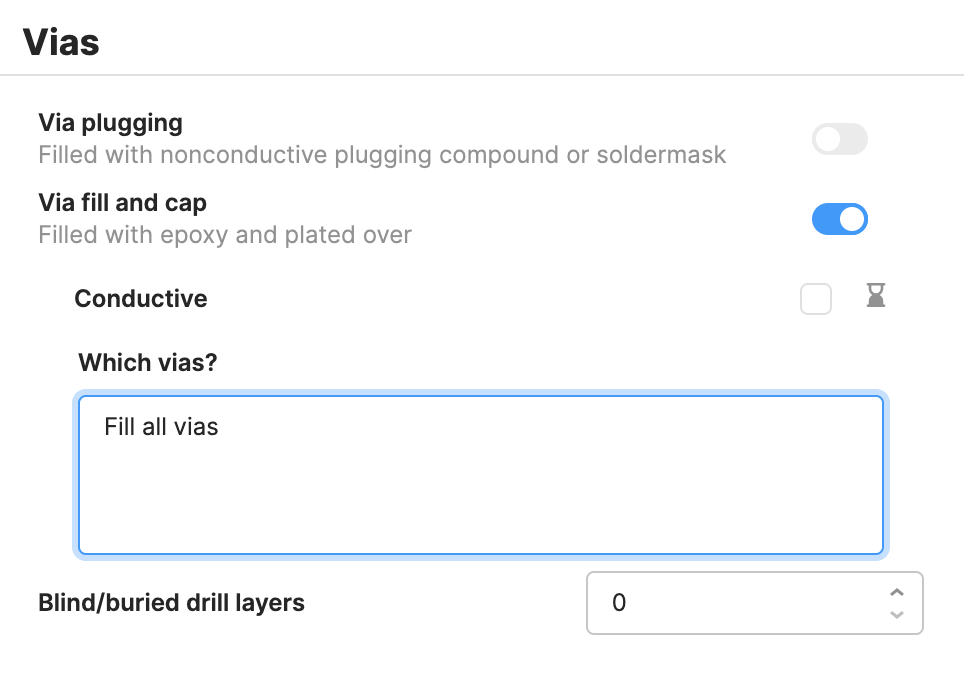
You can now specify whether vias in your design should be treated as conductive. This added level of detail helps your project communicate manufacturing intent more clearly and gives our CAM team important context during review.
The via conductivity setting is available under the “Via fill and cap” toggle, as shown below.
CAM Team Comments
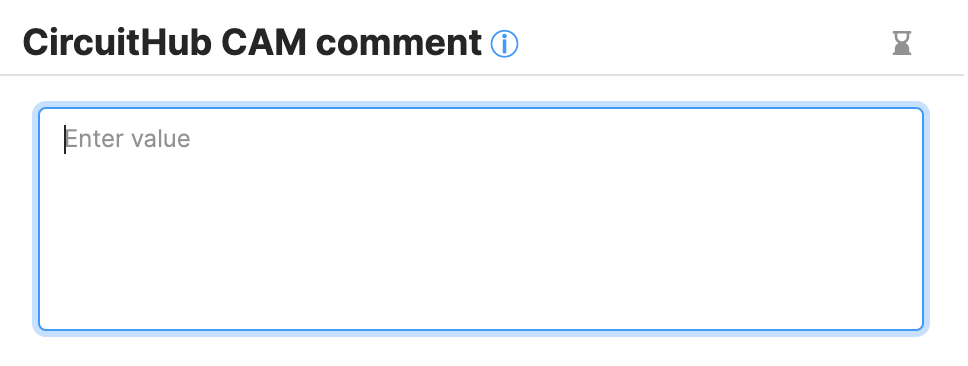
Our CAM team can now leave comments directly on your board configuration to flag potential issues, share observations, or provide helpful recommendations that may impact your design.
You’ll find these comments below the Miscellaneous section of the board configuration in a dedicated text area.
Consequences of the New Configuration Options
If vias are marked as conductive, or if CAM feedback identifies design considerations that affect manufacturing, your board may require a custom quote. This ensures all requirements are properly reviewed and met before production.